

- In the Console top navigation, select Accounts:

- Select Contracts:
- The Contracts page opens:
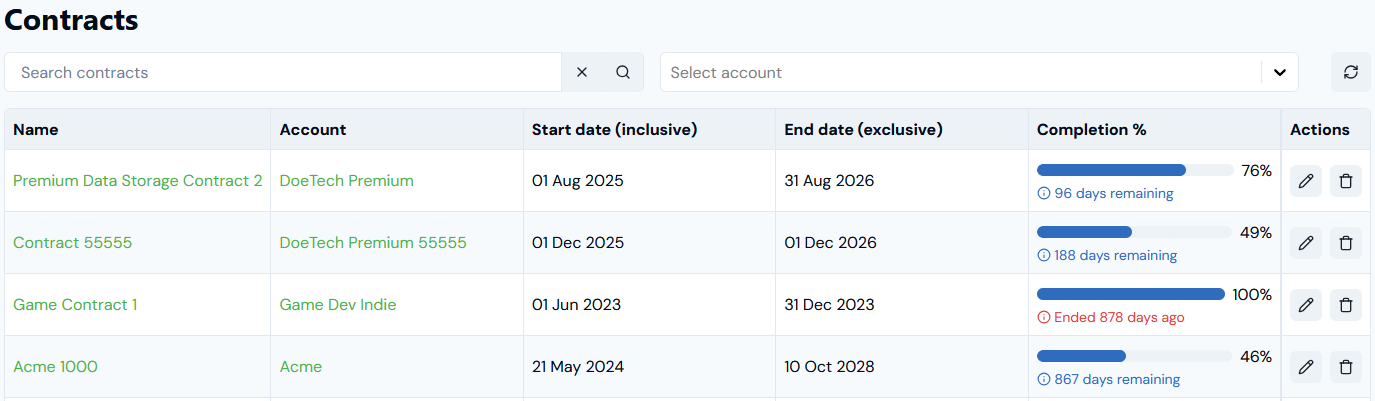
- Use the Name hotlink text to open a Contract’s details page.
- Use the Account hotlink text to open the page of the Account the Contract belongs to.
- Check the Start date(inclusive) and End date(exclusive) configured for a Contract.
- Under Completion % read-off the timeline percentage completion to date of the Contract’s period:
- If the Contract is still active, the number of days remaining to completion is given.
- If the Contract has ended, the number of days since it ended is given.
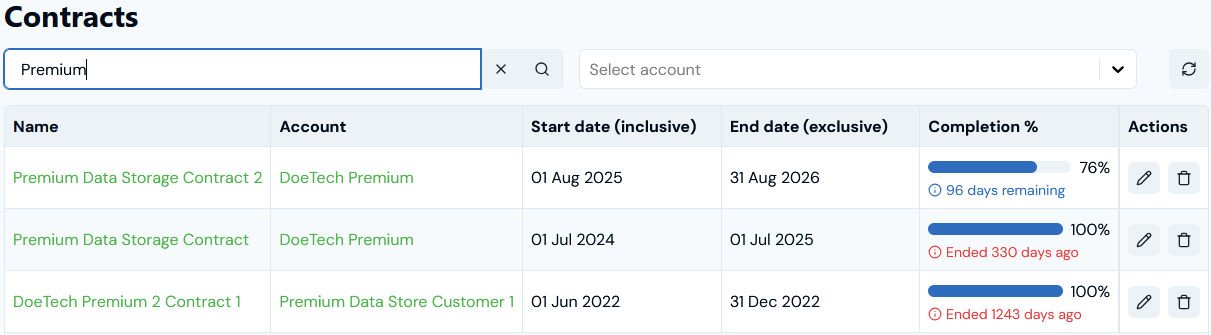
- Use Search contracts to search for individual Contracts:
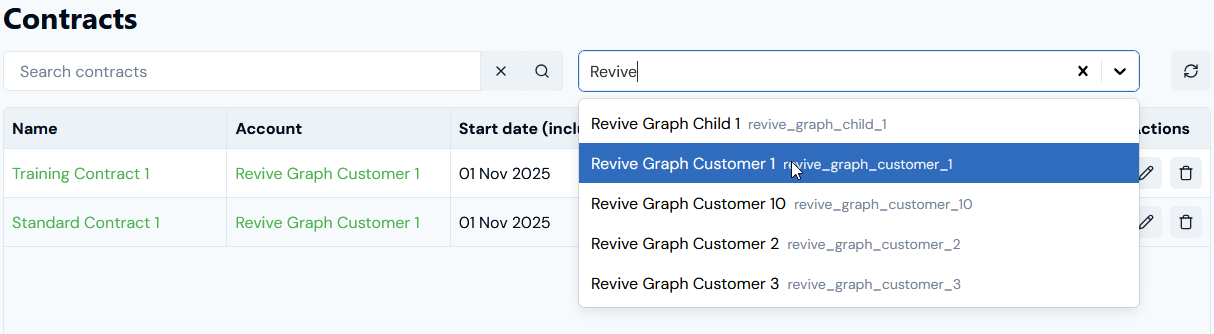
- Use the Select account drop-down list to filter the list by Account:
- If you want to manage a Contract directly, under Actions you can Edit or Delete a Contract. See Creating and Managing Contracts.