

Overview
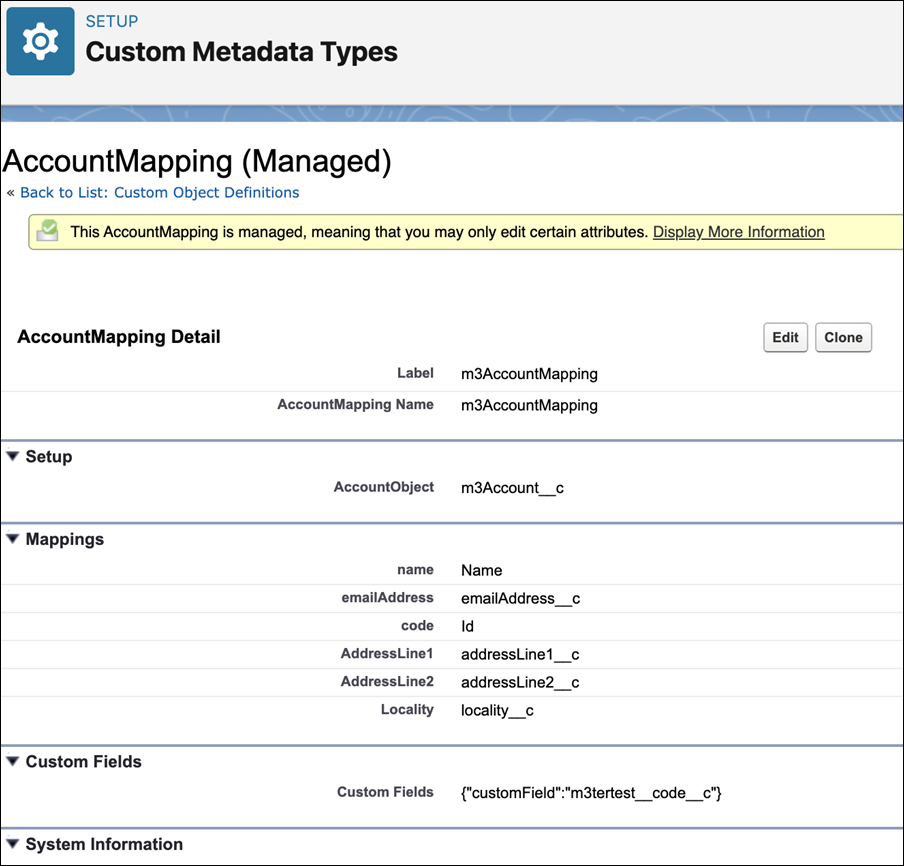
The mapping of custom fields on m3ter entities feature is built on top of the existing custom metadata framework developed for the m3ter Connector. A new attribute added to the Custom Metadata Types (CMDT) framework supports “Custom Fields”. This attribute is a Long Text Area and is used to store a JSON representation of key/value pairs that the user defines. Once this data is on the CMDT, the Sync Orchestration logic can make use of these fields and include them in the payload sent to m3ter.Enabling Mapping for Custom Fields
To enable mapping for objects:- In your Salesforce Org, navigate to the m3ter Admin app.
- Under Setup, select the Custom fields tab:
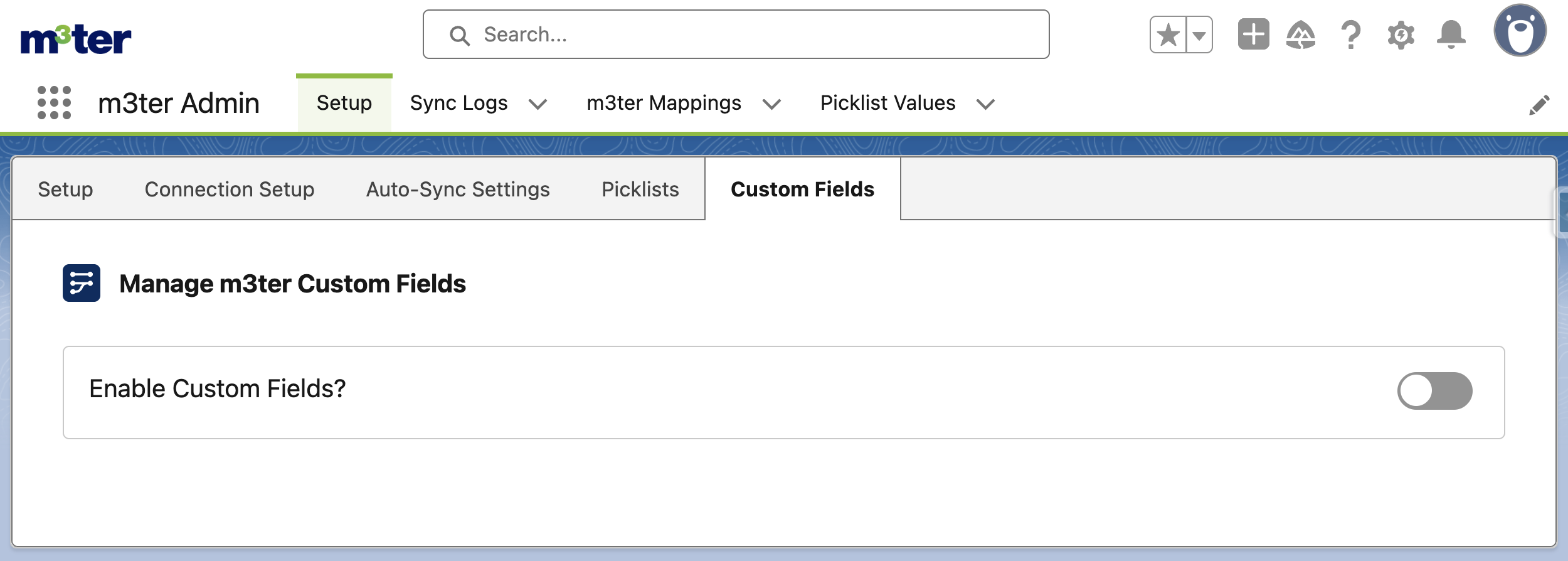
- Use the Enable Custom Fields? switch to turn the feature on.
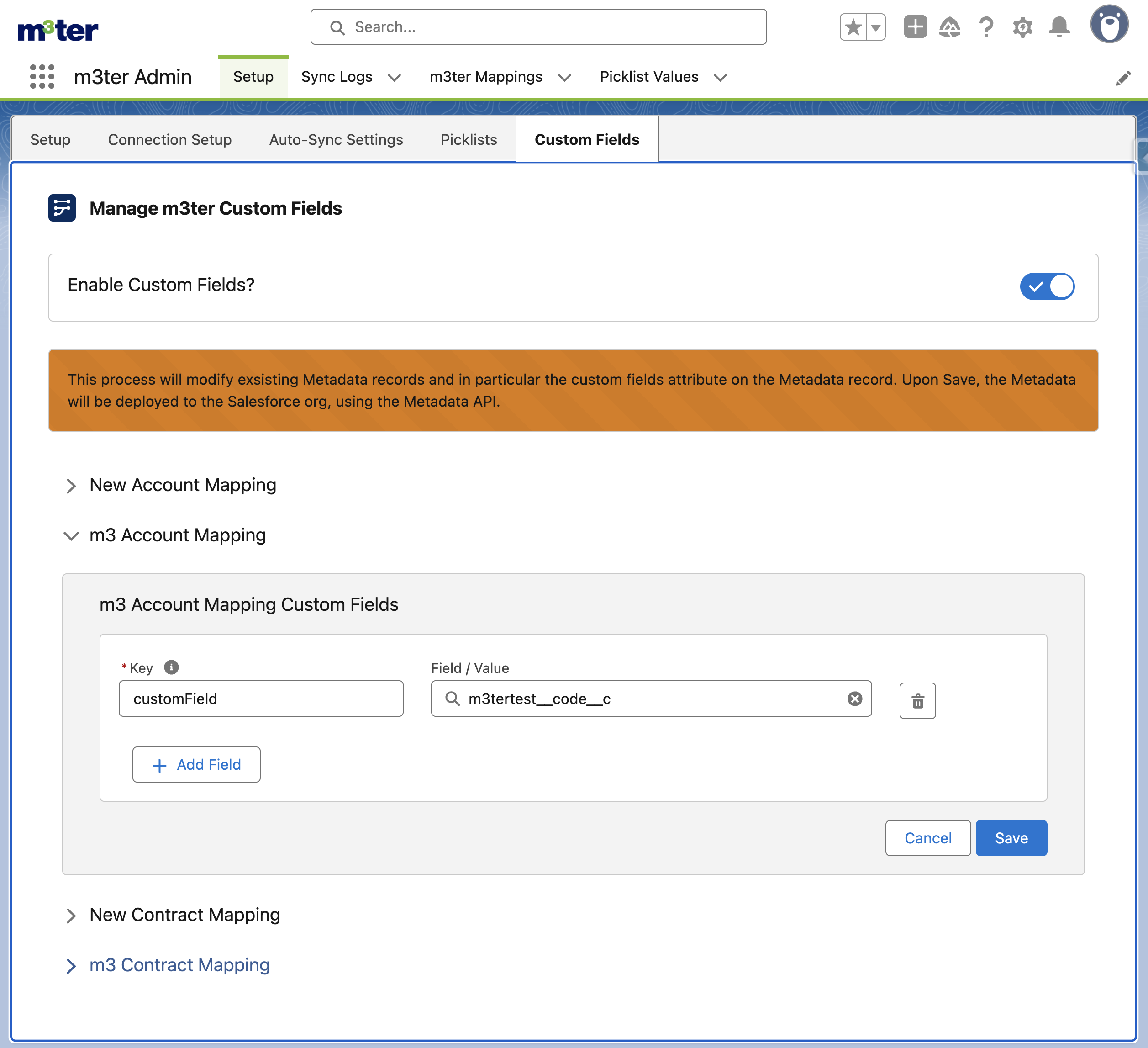
- By default, the mapping custom fields feature is disabled.
- For v0.8, the mapping custom fields feature is limited to Account and Contract Metadata Types.
Adding Custom Fields for Mapping
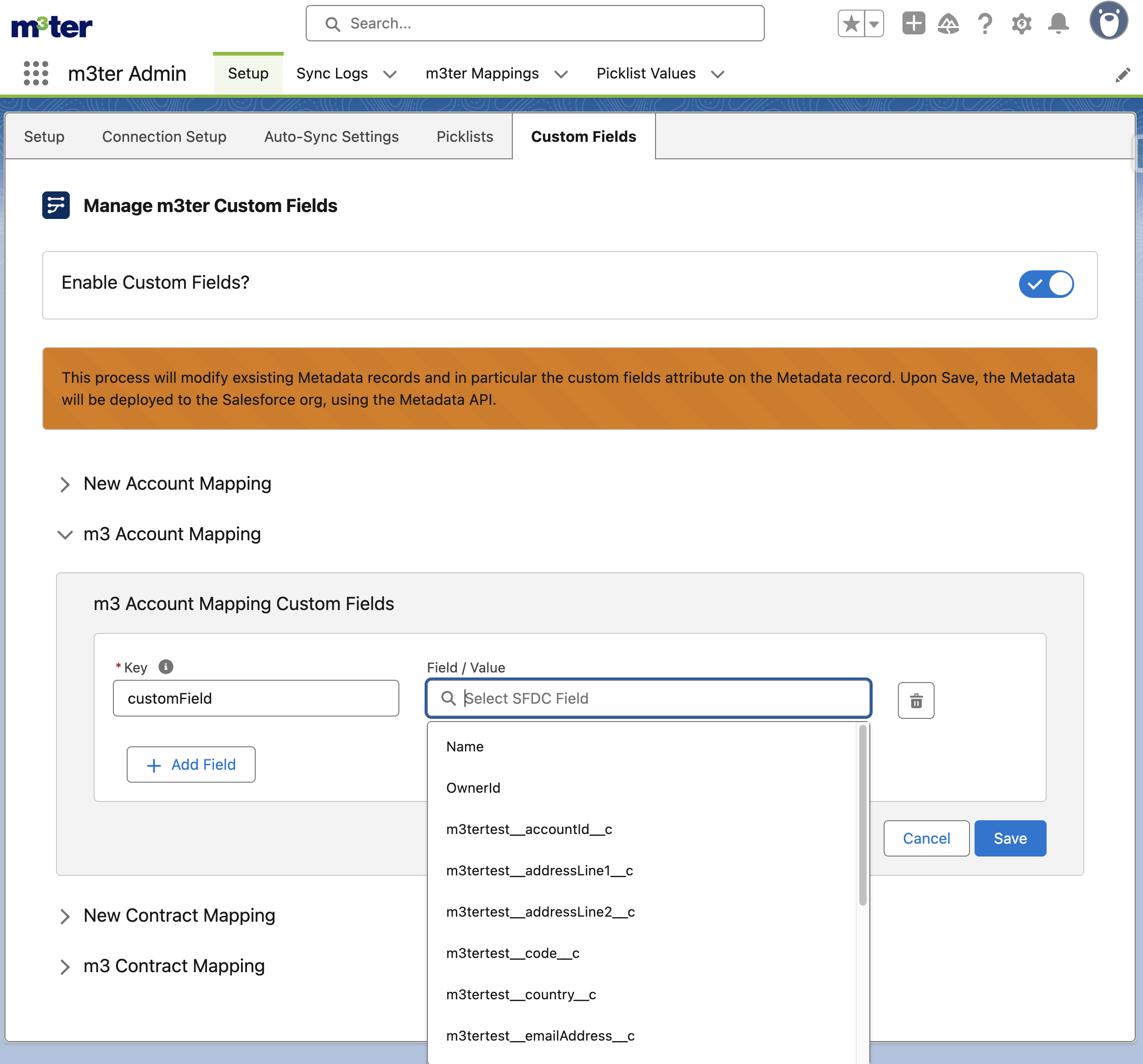
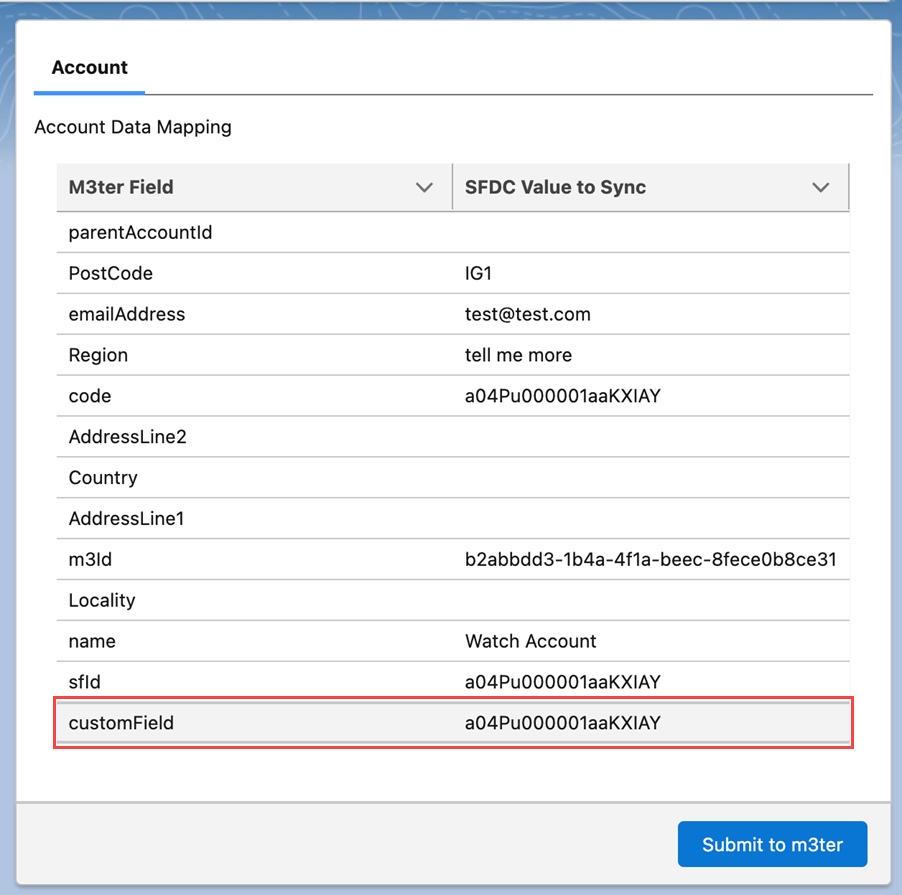
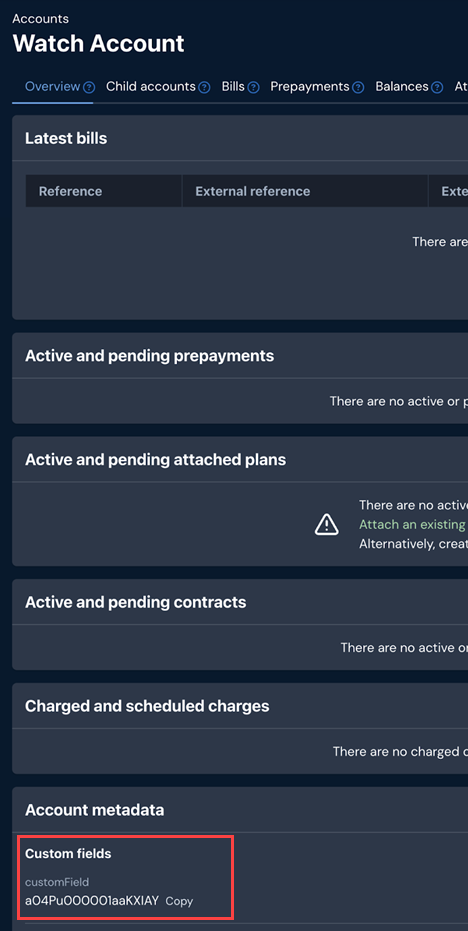
When you have enabled the mapping custom fields feature, you can expand the accordion for the CMDT type you want to add a custom field to for mapping into the corresponding m3ter object:- For a given Metadata Type that has the field ‘Custom Fields’ - the backend will pre-populate the possible options that could be selected in the Field / Value - a drop-down list of valid SFDC field options is shown. This is based on the Salesforce Object that the Metadata Type is referencing:
Notes and Limitations
-
Support for hardcoded values. The Field Value can accept a ‘hardcoded’ value, however these are currently not sent to m3ter by default.
- The workaround would be to create a custom field on the SFDC object with the hardcoded value (that is, Formula field or something similar) then map that field.
- Custom field deletion. Custom field definitions that are removed from the mapping after being synced will result in the data being deleted from m3ter if the record is synced again without the previous definitions of the custom field.
- Null value fields. Where a mapped custom field does not have a value - that is, the value in SFDC is null - the custom field will not be sent to m3ter and the the custom field will not be displayed on the sync pane.