

- In the Apps menu, search for and select Syn Logs:
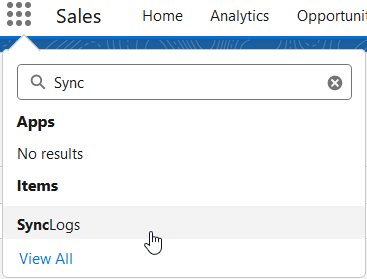
- The SyncLogs page opens for Recently Viewed.
- Use the drop-down to switch to All:

- Select the SyncLog link. The Synclog opens with the Details tab showing.
- Select the Related tab:
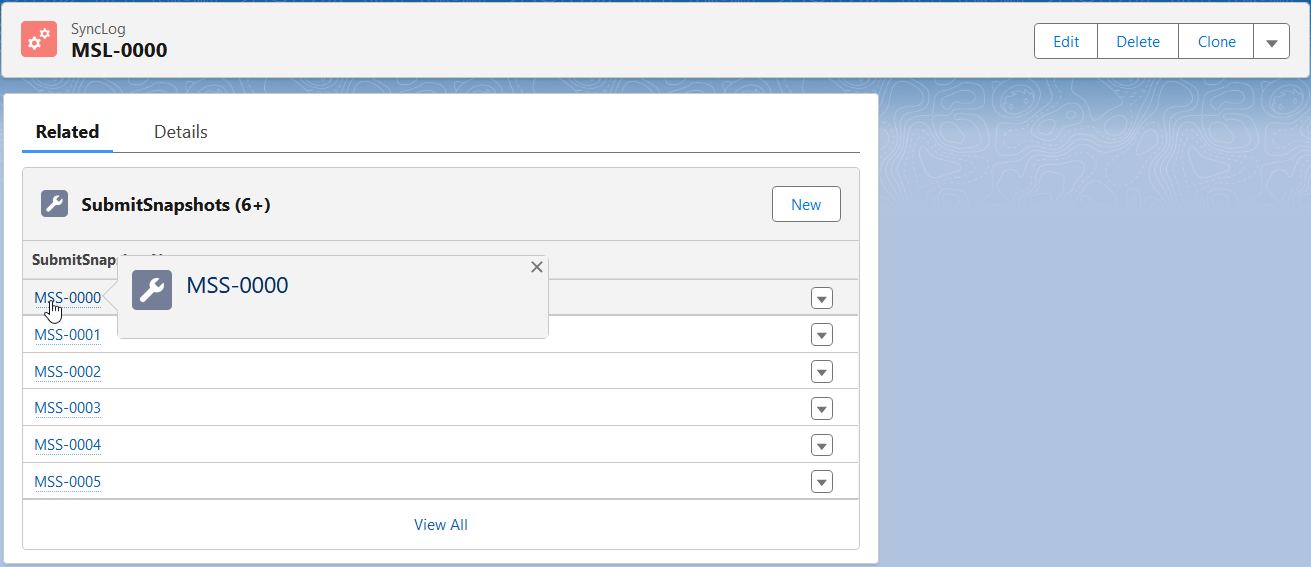
- SubmitSnapshots for sync actions are listed.
- Select a SubmitSnapshot to view details:
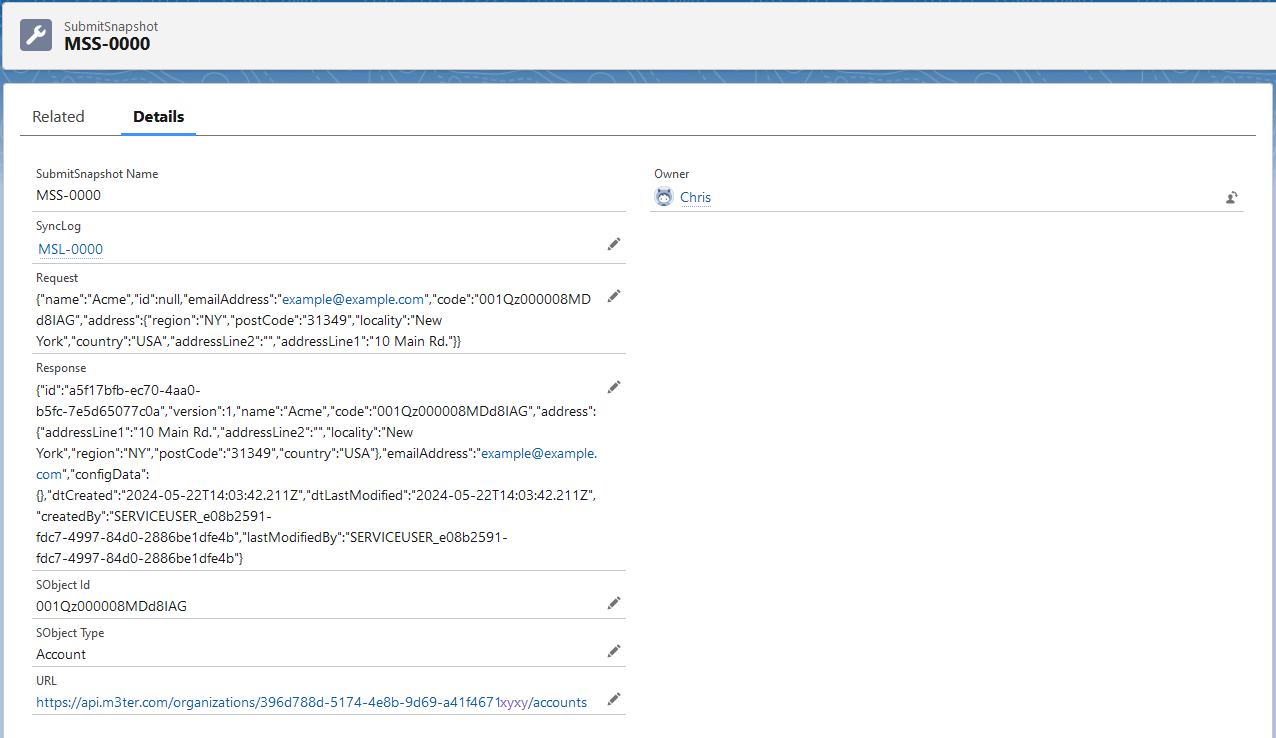
- You can read-off details of the SubmitSnapshot, including the JSON for the API call.