

-
Native Integration Configurations. Create the Credentials you’ll need when setting up authentication with 3rd-party systems for your native Integration Configurations.
- Multiple Third Party Destinations. You can create multiple separate Credentials for authentication of your Integrations Configurations with multiple destinations in your 3rd-party system. See Managing Multiple Third Party Destinations for Integrations.
- Notification Webhook Integrations. When you create an Outgoing webhook and define the M3TER_SIGNED_REQUEST credentials for authentication with the designated webhook endpoint, you can review the Credential on the Outgoing webhook details page. You can then link a Notification rule to the Outgoing webhook to complete the configuration of the Notification Webhook Integration. See Creating and Managing Outgoing Webhooks.
Creating Credentials for Native Integration Configurations
For each of the types of m3ter native integrations available, you can create the Credentials you need to authenticate with specific 3rd-party systems - see the following topics in this section for details:- Creating Stripe Integration Credentials
- Creating NetSuite Integration Credentials
- Creating Paddle Integration Credentials
- Creating Chargebee Integration Credentials
- Creating QuickBooks Integration Credentials
- Creating Xero Integration Credentials
- Creating Salesforce Integration Credentials
- Creating AWS Marketplace Integration Credentials
- Creating Azure Marketplace Integration Credentials
Viewing and Managing Credentials
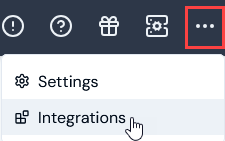
On the Integrations pages for external systems, you can view and manage Credentials. To view and manage integration Credentials:- Select Integrations:
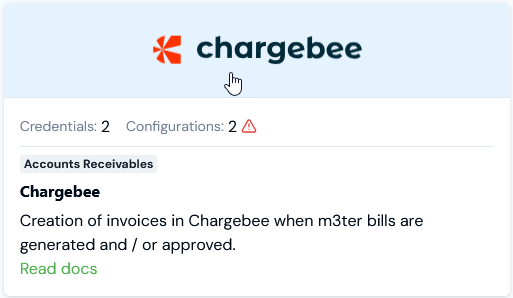
- Select the external system you want to create a Credential for:
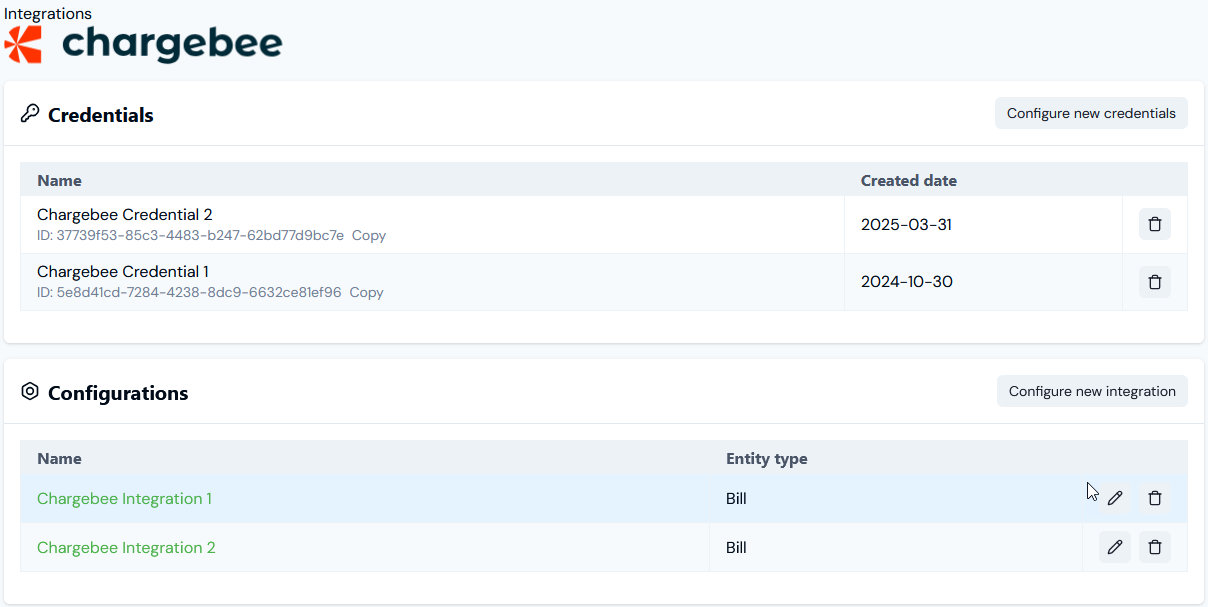
- Note that if you want to create a new Credential, on the Credentials panel select Configure new credentials. See the relevant topic in this section for creating Credentials for specific external systems - for this example Creating Chargebee Integration Credentials.
- If you want to delete a Credential, select Delete:
